Basics · PHW99Go
Find and Read Game Help on a Phone
A phone screen can make a detailed rules page feel much shorter than it really is. A clipped caption or a table hidden behind a panel may contain the qualification you need. This guide is a reading workflow, not instructions for joining a gaming service. Menu names vary by product, so the steps below describe what to look for rather than promising a universal sequence of buttons.
Open the help material without starting a round, keep the game identity visible and check whether text, tables and images remain readable when enlarged.
Keep track of where the help belongs
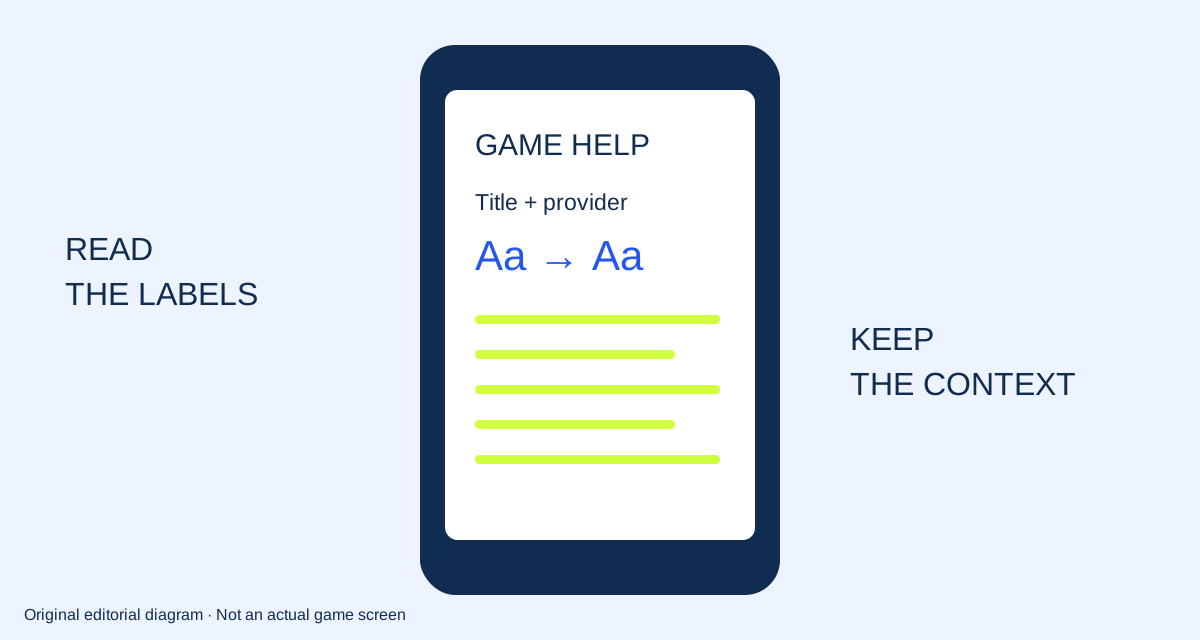
Begin by recording the title and provider shown beside the help material. If opening a panel hides them, make a separate note before continuing. Look for the publisher’s labelled rules, help or information control. A menu icon alone cannot tell you which document will open, so read the heading when the panel appears.
If the only route to the information requires an unwanted account step or a round of play, stop that path. You do not need to complete it to mark the source as unavailable.
Enlarge the text before deciding it is complete
Use the text-size or zoom features available in your browser or device. Check the paragraphs, captions and form labels, not just the main heading. A larger title does not prove that every small annotation is readable. W3C’s Resize Text explanation describes an accessibility goal of text enlargement without losing content or functionality. We use that as a reading reference; we are not certifying a third-party game’s accessibility.
Keep any enlargement setting that makes the document easier to follow rather than forcing yourself to read compressed text.
Read tables as tables
First identify the row and column labels. Then follow one row across and confirm the unit at its end. If a table scrolls sideways, look for a visible scroll area and make sure you can return to the first column. A cropped screenshot of the middle of a table is not a complete record of its labels.
W3C’s Reflow guidance distinguishes ordinary flowing text from content that needs a two-dimensional layout. That distinction is useful when a diagram or table behaves differently from a paragraph.
Keep captions and images together
A diagram often has a caption explaining whether it is a sample arrangement, a feature example or an actual screen. Read that caption before carrying a rule into your notes. When an image is too small to interpret, look for an enlargement control or a nearby text explanation. Do not replace missing detail with a guess based on colour or familiar artwork.
Our own diagrams have text descriptions and labelled examples so the reading point is also available outside the image.
Record the obstacle instead of working around it with play
If a panel will not open, a rule is cut off or an exception is unreadable, write down the obstacle and the page identity. Note your browser and whether you were reading portrait or landscape. This is enough to describe a reproducible display issue without providing device identifiers, account details or personal screenshots.
Use the reading checklist to separate “found and readable” from “not established”. A completed checklist is a reading record, not an approval of the game, service or its availability in the Philippines.
Your reading checklist
- Game identity recorded
- Rules heading confirmed
- Text readable at a comfortable size
- Table labels remain identifiable
- Unreachable or clipped information recorded
Reader questions
Does every game use the same help button?
No. The names, symbols and locations vary. Confirm the heading of the material you actually opened.
Should I start a round to reveal missing help?
That is not part of this reading workflow. Mark the information as unavailable rather than taking an unwanted action.
Sources and scope
- W3C WAI — Understanding Resize Text
Accessibility guidance about enlarging text; no claim that a particular game passes WCAG.
- W3C WAI — Understanding Reflow
Accessibility guidance for narrow layouts and two-dimensional content.